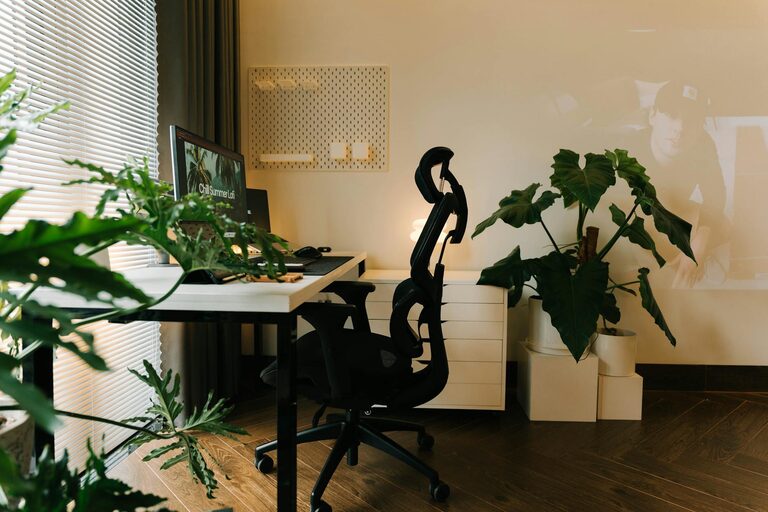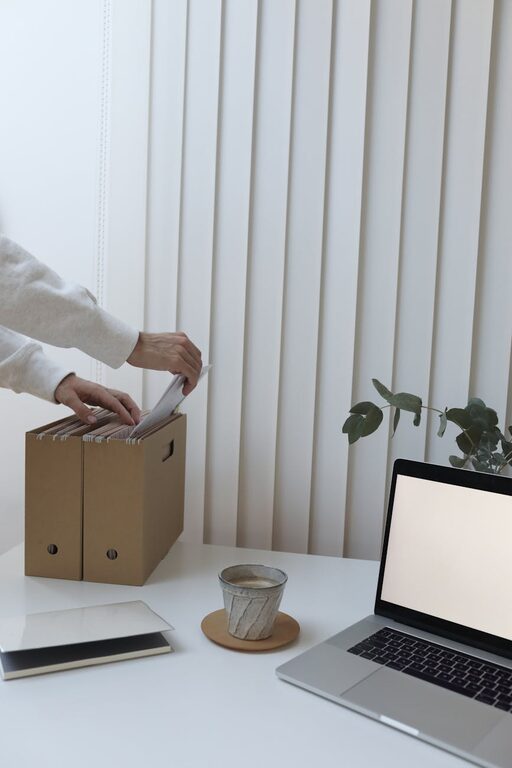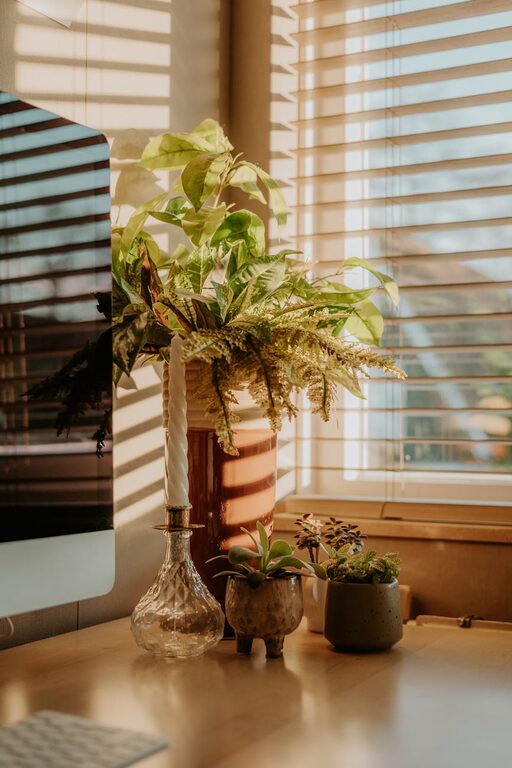







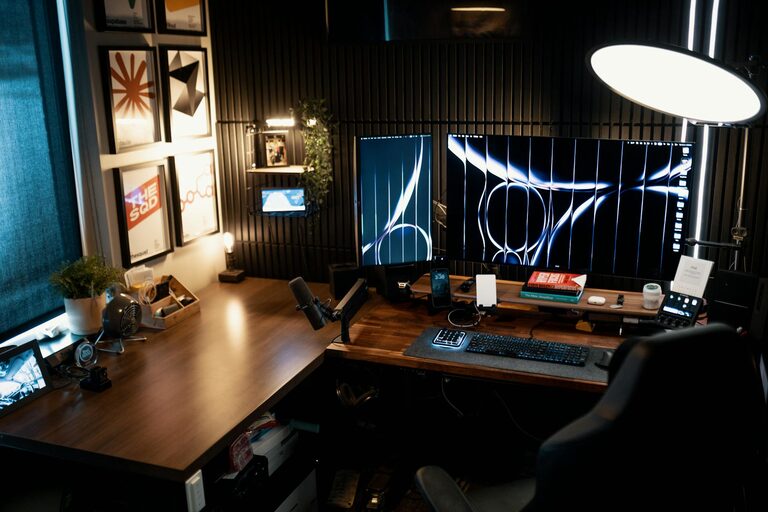
Creating a cozy and productive home office space is essential for many people who work remotely or spend time on personal projects. A well-designed workspace can enhance focus, creativity, and overall job satisfaction. Whether you have a dedicated room or a small corner, organizing your office thoughtfully can make a big difference in your daily routine. Here are practical tips to help you create a home office that’s both comfortable and efficient.
Choose the Right Location
Finding the best spot for your home office is the first step. Ideally, select a quiet area with minimal distractions. A separate room is perfect, but if space is limited, a nook or a well-defined corner can work just as well.
Consider Natural Light
Natural light boosts mood and reduces eye strain. Position your desk near a window to take advantage of daylight, but avoid having the sun directly on your computer screen to prevent glare.
Minimize Noise
If possible, choose a location away from household noise or busy areas. Using rugs, curtains, or soundproof panels can help reduce distractions and improve concentration.
Invest in Ergonomic Furniture
Comfort is key to maintaining productivity and preventing physical discomfort during long work hours.
Desk and Chair
Select a desk that fits your space and allows for easy movement. An adjustable chair with good lumbar support promotes better posture and reduces back pain.
Monitor and Keyboard Setup
Keep your monitor at eye level to prevent neck strain. Use an external keyboard and mouse if you work on a laptop to create a more ergonomic setup.
Personalize Your Space
Add elements that make the space inviting and inspiring, but keep clutter to a minimum.
Colors and Decor
Choose calming colors like soft blues, greens, or neutrals to create a soothing environment. Add artwork, plants, or motivational quotes that make you feel motivated.
Lighting Options
In addition to natural light, use layered lighting. A combination of overhead lights, task lamps, and ambient lighting provides flexibility and comfort.
Organize for Efficiency
A tidy workspace helps reduce stress and keeps you focused.
Storage Solutions
Use shelves, drawers, and organizers to keep supplies within reach but out of sight. Labeling storage bins can also make it easier to find what you need.
Cable Management
Use clips, ties, or cable boxes to manage cables and keep your desk free from tangles and clutter.
Create Boundaries
Working from home can blur the line between professional and personal life. Set physical and mental boundaries.
Define Work Hours
Establish regular work hours and communicate your schedule to family or housemates to minimize interruptions.
End-of-Day Routine
At the end of your workday, close your laptop and tidy your space to signal a clear separation between work and relaxation.
Incorporate Technology Wisely
Choose the right tools to improve your productivity without overwhelming your workspace.
Reliable Internet and Equipment
Ensure your internet connection is fast and stable. Invest in quality headphones, a webcam, and other peripherals you need for video calls and collaboration.
Productivity Apps
Use apps for task management, time tracking, and note-taking to stay organized and focused throughout the day.
Take Breaks and Move Around
Even in a comfortable office, sitting for long periods isn’t healthy.
Scheduled Breaks
Set reminders to stand up, stretch, or take short walks. This helps reduce fatigue and improves circulation.
Ergonomic Accessories
Consider a standing desk converter or a footrest to vary your posture during work hours.
Keep It Clean and Fresh
Maintaining a clean environment contributes to comfort and productivity.
Daily Tidying
Spend a few minutes each day putting things back in place to prevent buildup of clutter.
Air Quality
Open windows regularly or use an air purifier to keep the air fresh. Adding plants can also improve air quality and add a natural touch.
—
By following these tips, you can design a home office that balances comfort with productivity, making your work-from-home experience more enjoyable and efficient. Remember, the best workspace is one that suits your personal style and work habits, so feel free to adjust these suggestions to meet your unique needs.