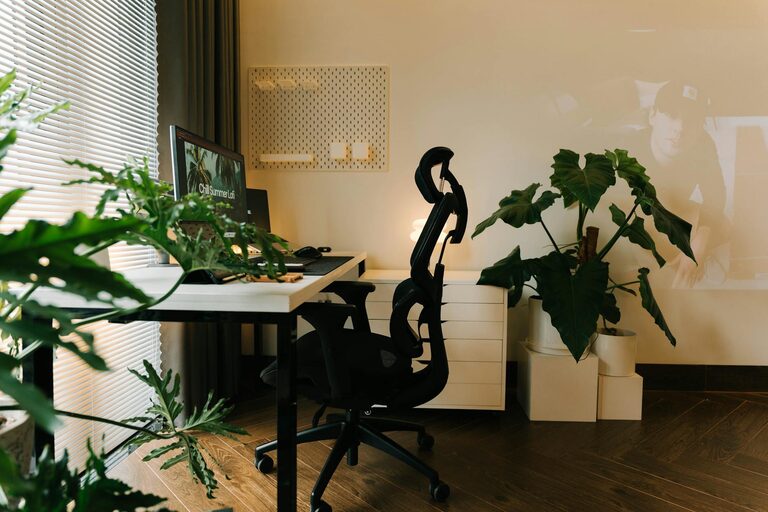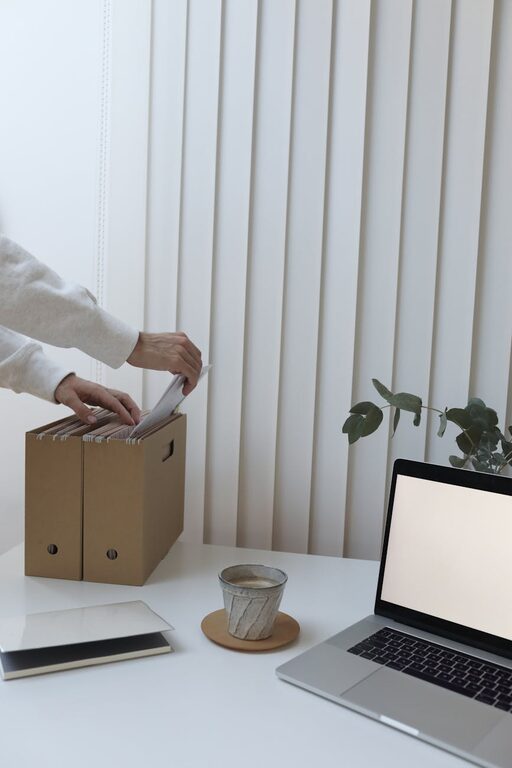








Creating a home workspace that is both cozy and productive can significantly improve your work-from-home experience. Whether you’re starting fresh or looking to upgrade your current setup, small changes can make a big difference. This guide offers clear, practical tips to help you design a space that inspires focus and comfort.
Why a Cozy Workspace Matters
A comfortable workspace is more than just aesthetics; it plays a crucial role in your efficiency and well-being throughout the workday. When your environment is welcoming and well-organized, you’re likely to feel less stress and maintain better concentration.
—
Choosing the Right Location
Consider Natural Light
Try to set up your workspace near a window to take advantage of natural daylight. Natural light boosts mood and reduces eye strain. If a window isn’t available, use soft, adjustable artificial lighting that mimics daylight.
Minimize Distractions
Pick a quiet corner or room where interruptions are minimal. If possible, use a door to physically separate your workspace. If that’s not an option, consider room dividers or noise-cancelling headphones to improve focus.
—
Selecting Comfortable and Functional Furniture
Invest in an Ergonomic Chair
Since you’ll spend hours sitting, a chair with good lumbar support and adjustable height is essential. Look for breathable materials and cushioned seats for added comfort.
Choose a Desk That Fits Your Needs
Your desk should have enough surface area for your computer, notes, and any other tools you use daily. Adjustable desks that allow you to switch between sitting and standing can also promote better posture.
—
Organizing Your Workspace
Keep Essentials Within Reach
Arrange your most-used items like pens, notebooks, and chargers within arm’s reach to reduce unnecessary movement and distractions.
Use Storage Solutions
Shelves, drawers, and organizers will help keep clutter off your desk. Label storage containers to make finding items easier and keep your space tidy.
—
Incorporating Cozy Elements
Add Personal Touches
Photos, artwork, or small plants can make your workspace feel more inviting without overwhelming it.
Use Soft Textiles
A small rug, cushions, or a blanket can add warmth and make your workspace feel homier, especially in cooler months.
Control the Climate
Make sure your workspace has adequate heating or cooling. A small fan or heater can help maintain a comfortable temperature.
—
Lighting Tips for Comfort and Focus
Layer Your Lighting
Combine ambient lighting with task lighting, like a desk lamp, to create a balanced environment. Adjustable lamps let you control brightness and direction.
Avoid Glare
Position your monitor and light sources to reduce glare, which can cause eye strain.
—
Technology and Tools
Use Quality Equipment
Reliable technology like a fast Wi-Fi connection, a good keyboard, and a quality webcam contribute to smoother workdays.
Cable Management
Use cable organizers to keep cords neat and prevent tangling, creating a cleaner workspace.
—
Establishing a Routine
Set Work Hours
Define clear work hours to maintain work-life balance, and make your workspace a “work-only” zone to help create mental boundaries.
Take Breaks
Stand, stretch, or walk around regularly to reduce fatigue and maintain productivity.
—
Final Thoughts
Creating a home workspace that’s both cozy and productive is achievable with mindful planning. By choosing the right location, comfortable furniture, effective organization, and personal touches, you’ll build an environment that supports your success and well-being. Remember, your workspace should evolve with your needs, so feel free to adjust it as you discover what works best for you.